
Pevi
Turn your photos into figurines, portraits and short videos.
Pick from 1000+ trending AI effects, restore old photos, or bring a still photo to life as a video. Free credits to start.

- 3D FIGURINE · TRADING CARDS · ROYALTY
- RESTORE · COLORIZE · UNBLUR · UPSCALE · BG REMOVAL
- PHOTO TO VIDEO
- STACK UP TO 4 EFFECTS · BATCH OF 20 · 11 LANGUAGES

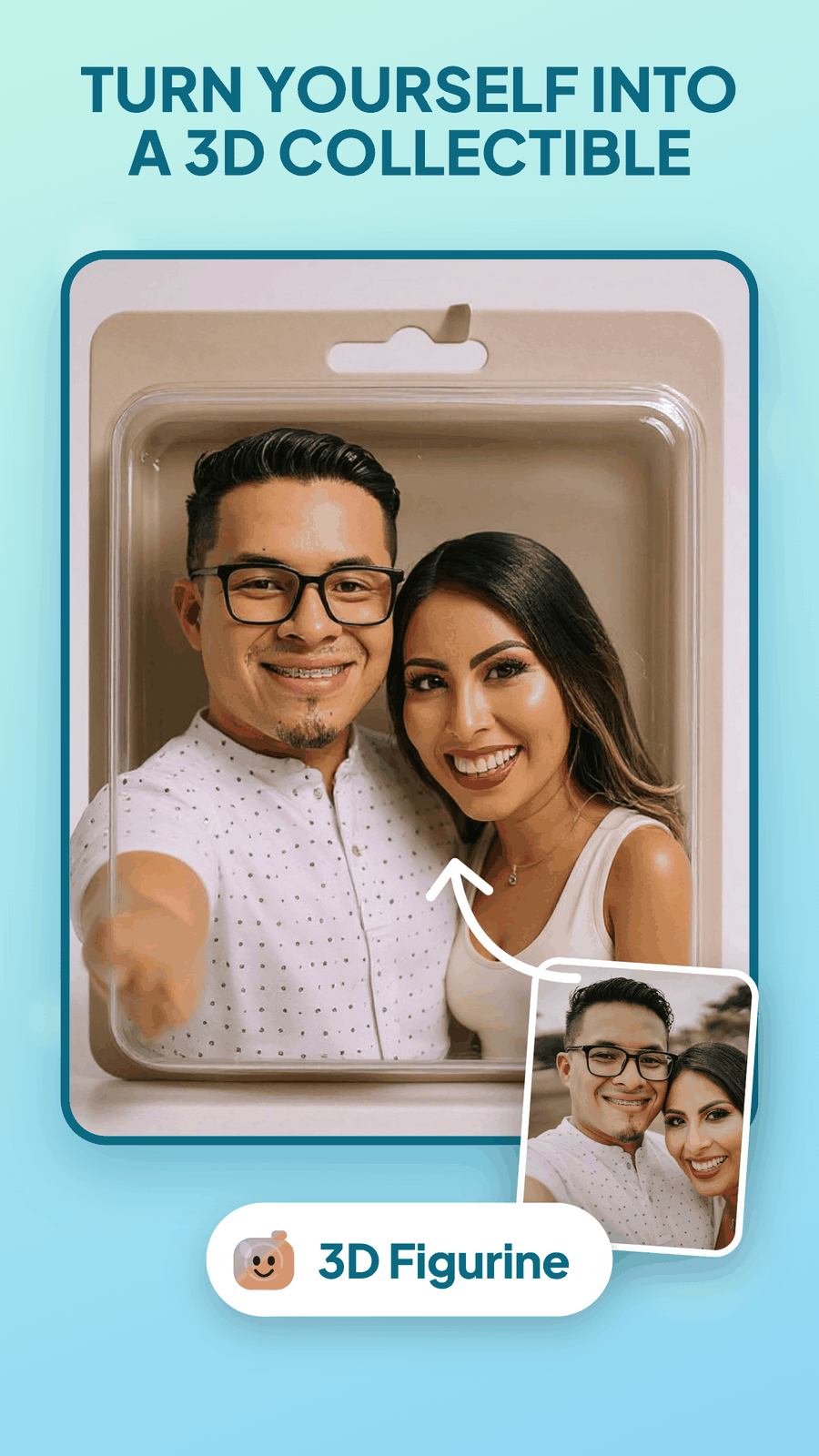
1000+ trending effects
Pick an effect, add your photo, and get a 3D figurine, a trading card or a royal portrait. New styles keep arriving.
3D FIGURINE · TRADING CARDS · ROYALTY
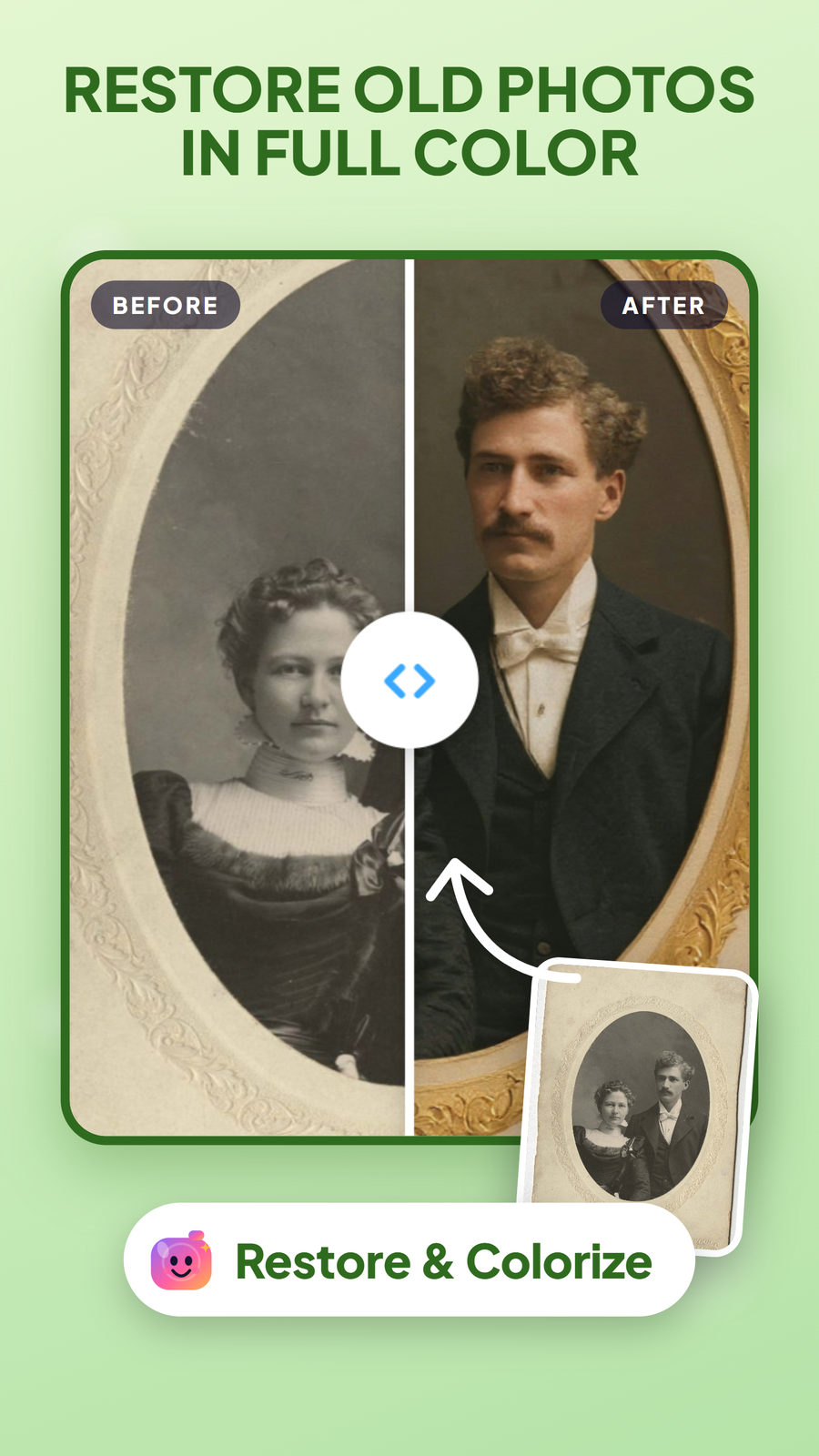
Restore, colorize, unblur
Bring an old family photo back in full color. Pevi can also sharpen a blurry photo, upscale it or remove the background, and Magic Fix handles the rest in one tap.
RESTORE · COLORIZE · UNBLUR · UPSCALE · BG REMOVAL
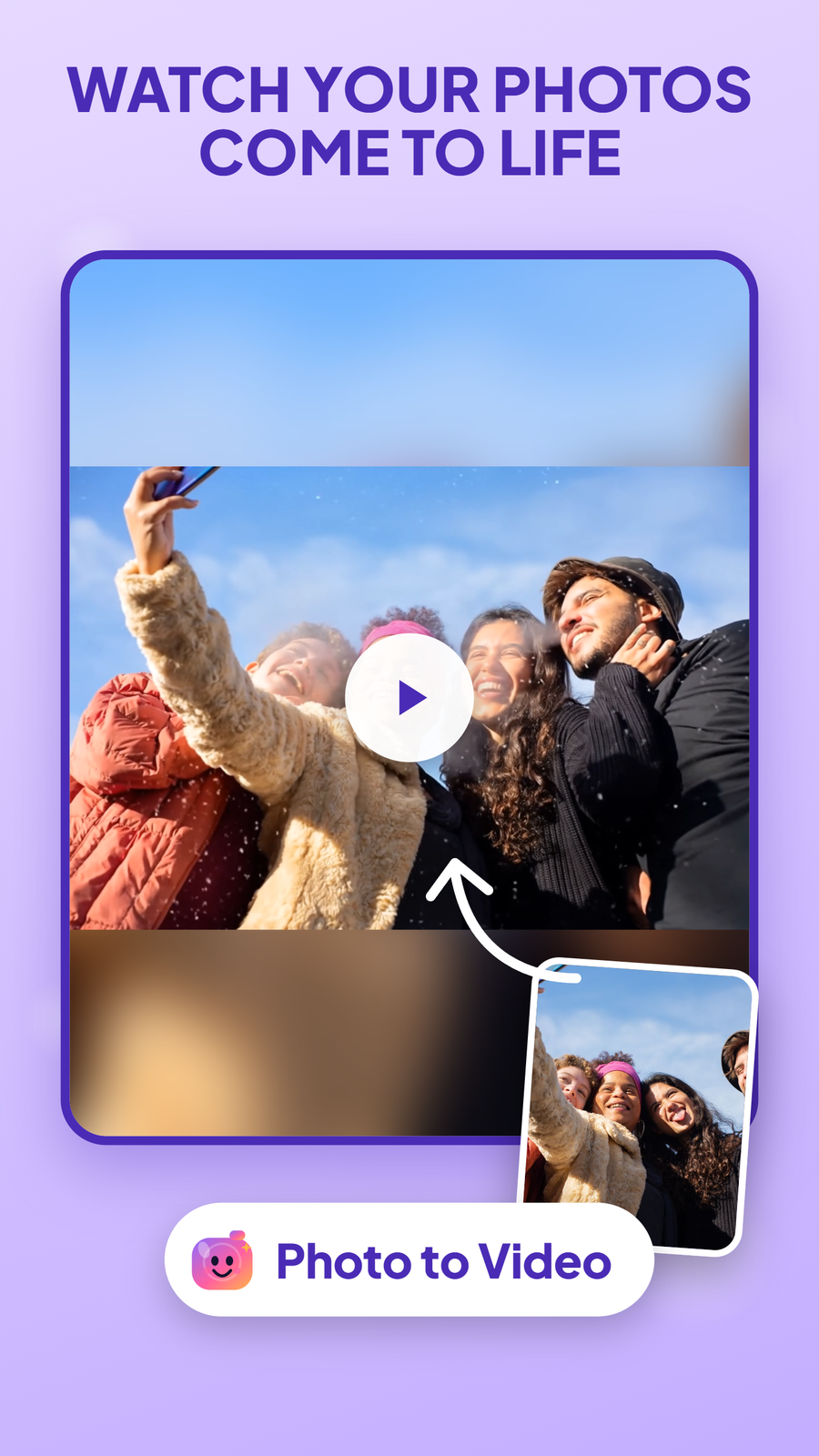
Photos that move
Turn a still photo into a short video and share it where you like.
PHOTO TO VIDEO
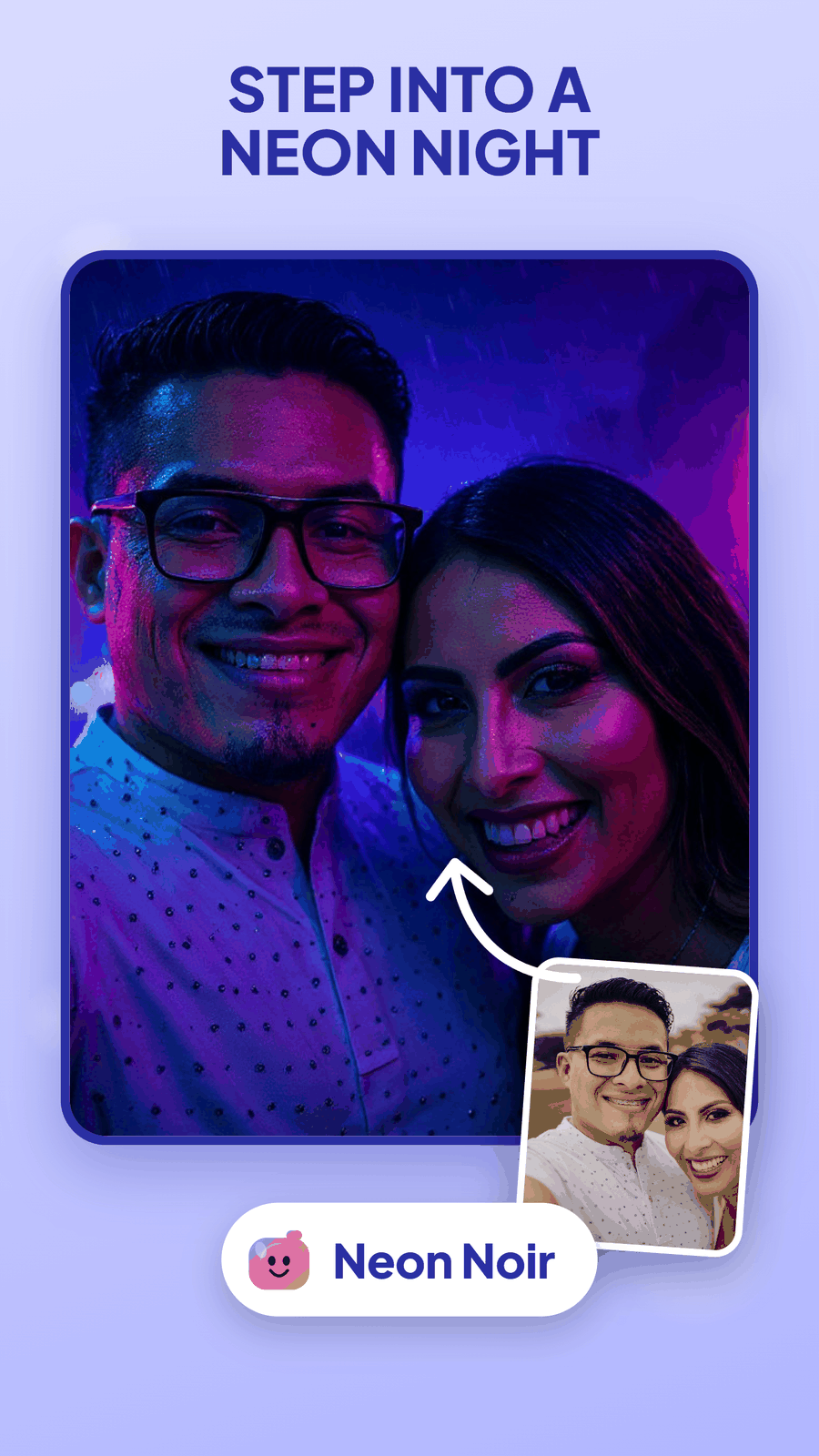
Stack effects, edit in batches
Layer up to four effects on one photo, or run a batch of 20 photos through the same look in one go. The app speaks 11 languages.
STACK UP TO 4 EFFECTS · BATCH OF 20 · 11 LANGUAGES
Who it’s for
- People who want more from the photos already on their phone.
- Families who want an old portrait restored in color.
- Anyone who wants a group selfie to move, or a portrait as a collectible.
Pricing
- Free credits
- Try effects with the credits you start with.
- Credit packs
- Buy more credits when you need them.
- Pevi AI Plus
- A plan for regular use.
- Watermark
- Free exports carry a small watermark.
Privacy
We process the photos you upload to make your result, using cloud infrastructure and AI service providers. Your photos are not used to train models. We do not sell personal information, and you can ask us to delete your account.
Read the full Pevi privacy policy How to delete your account
Questions
Is Pevi free?
You start with free credits. When they run out, you can buy a credit pack or subscribe to Pevi AI Plus. Free exports carry a small watermark.
Does Pevi use my photos to train models?
No. Your photos are not used to train models. We process them to create your result, and the privacy policy explains how long we keep them.
Can I use more than one effect on a photo?
Yes. You can stack up to four effects on one photo, or run a batch of 20 photos through the same look.
Which languages does Pevi support?
Pevi supports 11 languages, including English, Hindi, Spanish, French, German, Portuguese, Russian, Arabic, Indonesian, Japanese and Simplified Chinese.
How do I delete my account?
The privacy policy explains how to request deletion of your account and its data. You can also write to us at the support email below.
Support
Something not working, or a question about Pevi? Write to moizratlamwala78652@gmail.com.


